
HVAC & Ventilation
Condensate Calculator
Hourly condensate yield for five air-system types from real city weather, with reuse and tank-sizing study.
19 tools · 4 disciplines · 1 subscription
Turn repetitive MEP calculations into standards-cited, issue-ready DOCX and XLSX reports — without the spreadsheet risk. The flagship HAP-to-FCU workflow runs in seconds.
Windows 10/11 · 2.4 MB · runs locally — project data stays on your machine
New: MEP Automate Launcher, one window that shows all your MEP Automate tools by discipline and opens them. Tick it in the installer.
Sized, checked and cited to
The suite
Each one built for a calculation an MEP engineer actually issues — with the standard it is sized to printed on the face of it.
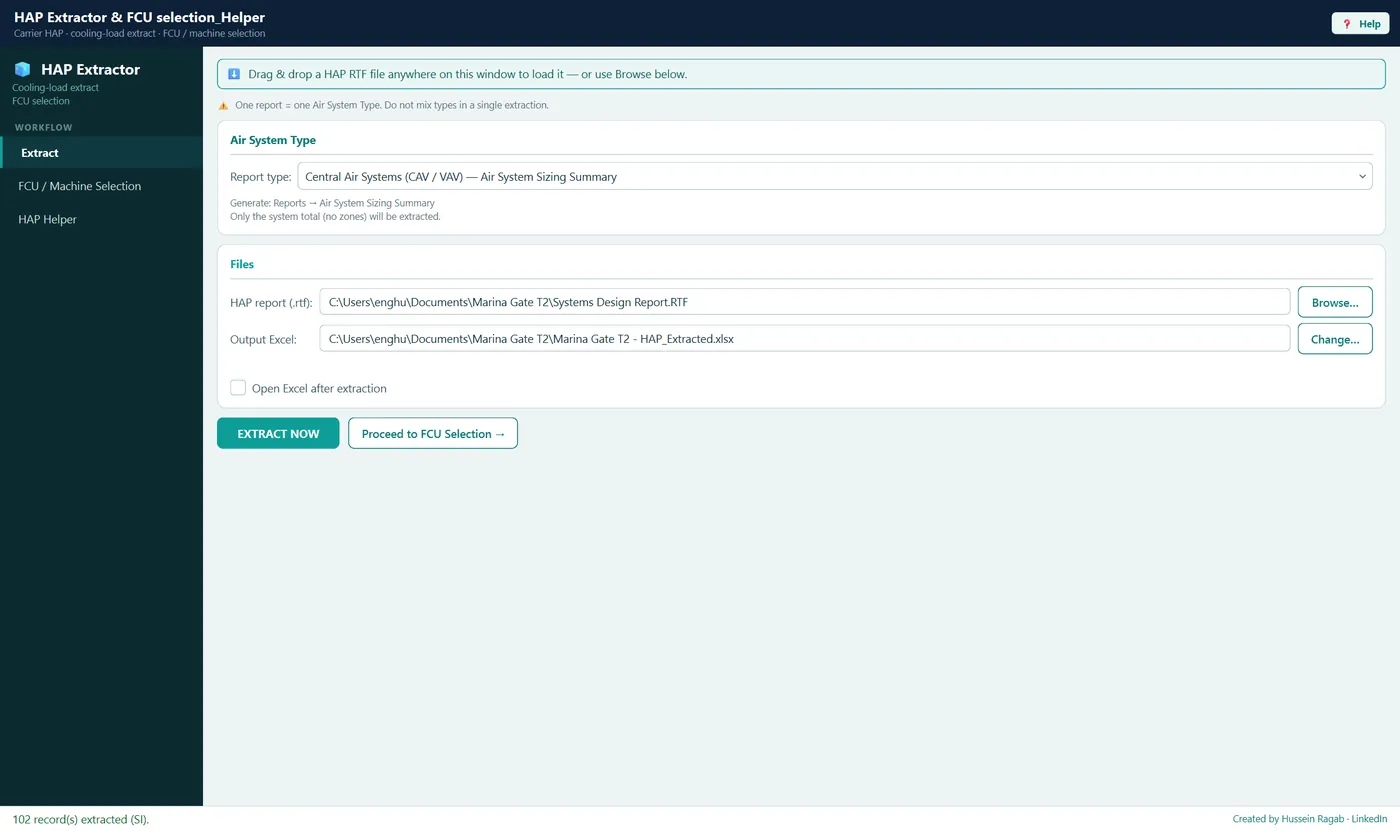
Extract a Carrier HAP report, auto-select the fewest best-fit FCUs from your own library, and bulk-edit a live HAP project — one application.
Carrier HAP Systems Design Reports
Watch walkthrough · 2:32HVAC & Ventilation
Hourly condensate yield for five air-system types from real city weather, with reuse and tank-sizing study.
HVAC & Ventilation
Transformer-room ventilation to Dubai Building Code Part G #G.7.6, forced and natural, duty/standby fans on the IEC preferred-kW ladder.
HVAC & Ventilation
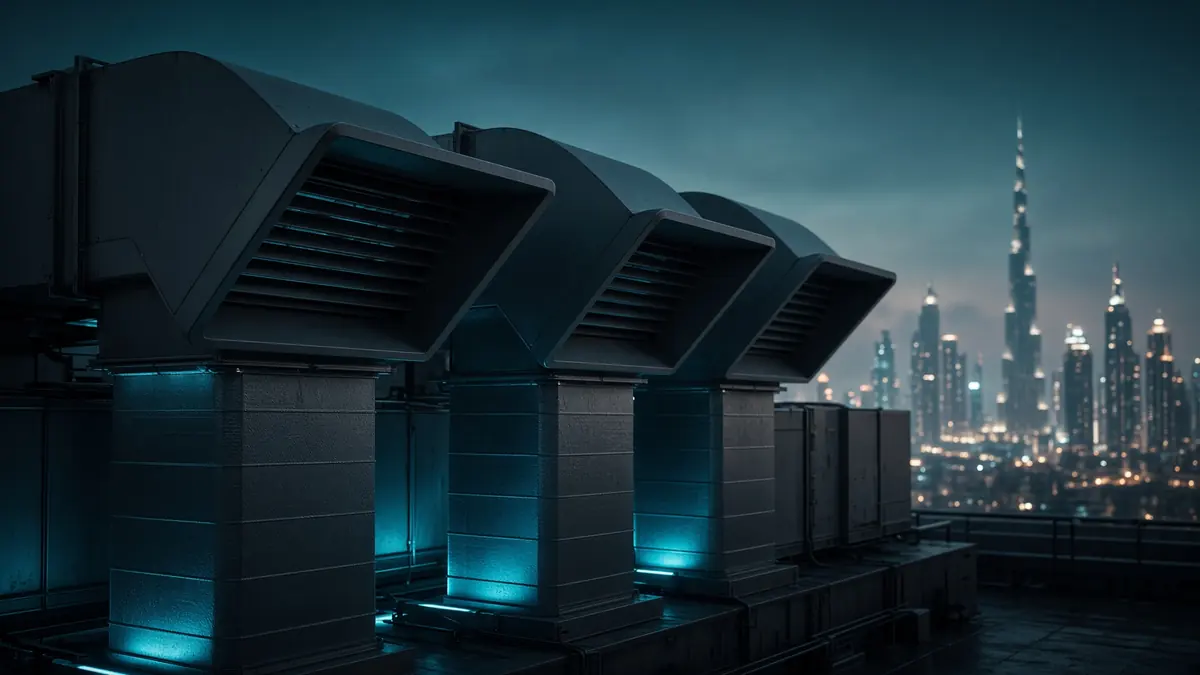
Hourly pool heating and cooling loads from real city weather — outdoor and indoor pools, cover schedules, heat-up sizing and heat-pump selection.
HVAC & Ventilation
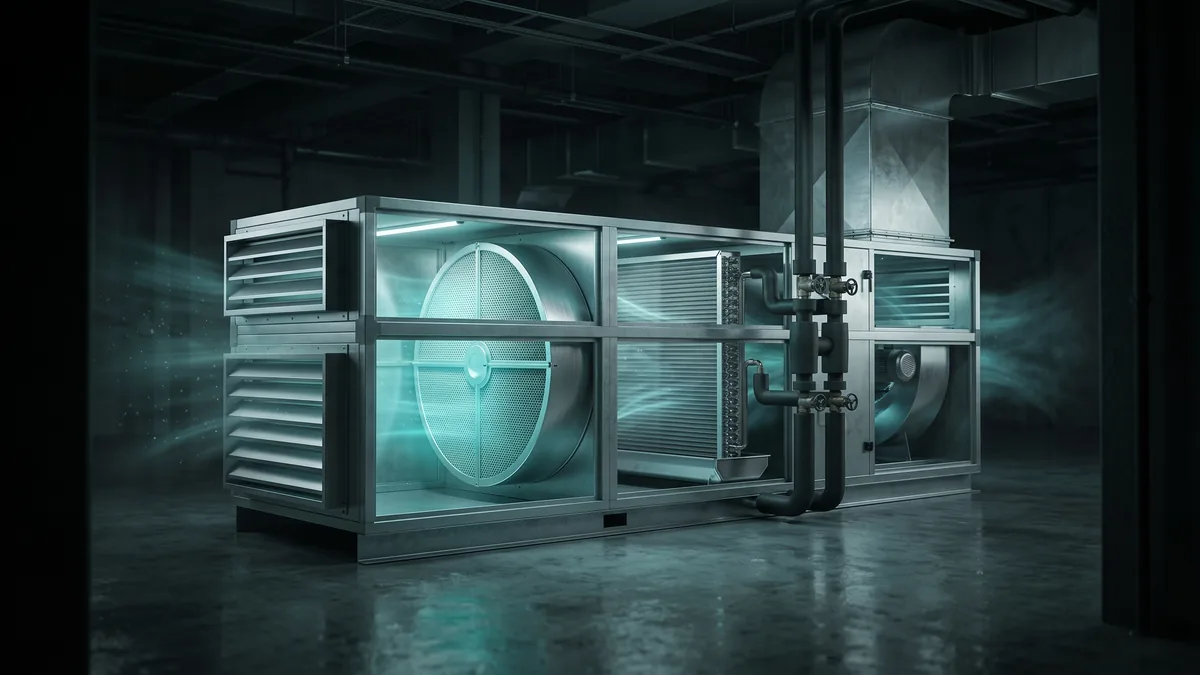
ASHRAE ventilation from space to FAHU: apartments per 62.2, spaces per 62.1, aggregated with a building wizard.
HVAC & Ventilation
Annual energy and cost of a fresh-air handling unit, hour by hour on real city weather, for five cooling sources.
HVAC & Ventilation
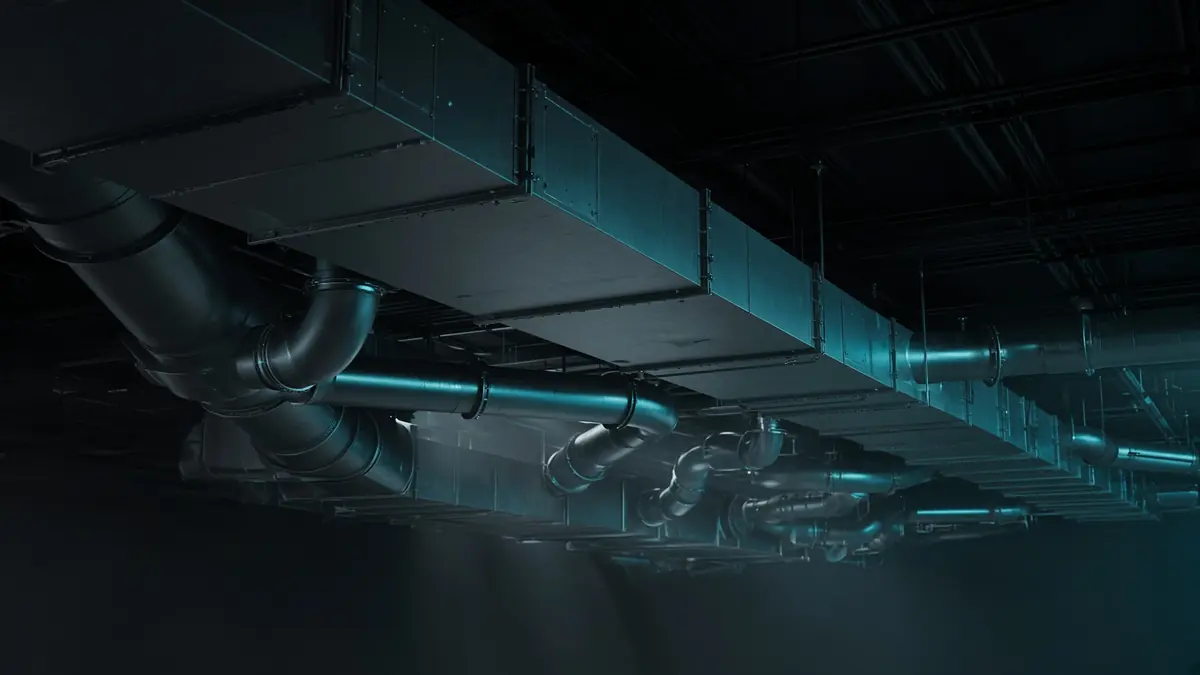
Static-regain sizing for any tree-shaped network, round or rectangular; flags the governing worst-case path.
The output
Branded DOCX and XLSX from the same engine that ran the calc — a sample report for every tool, one test job (Marina Commercial Tower).
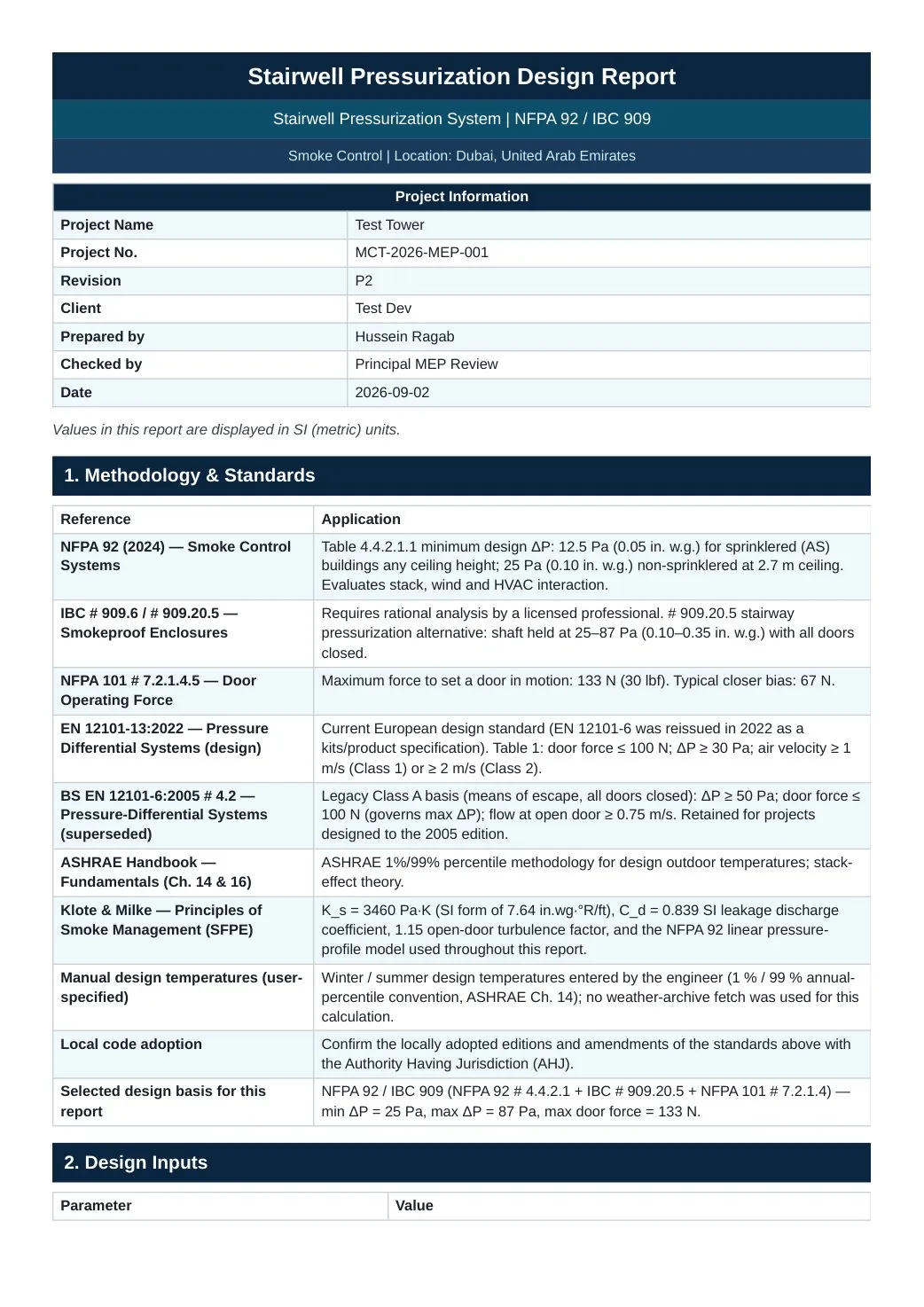
Stairwell pressurization report
DOCX · XLSX · Smoke Management · Marina Commercial Tower
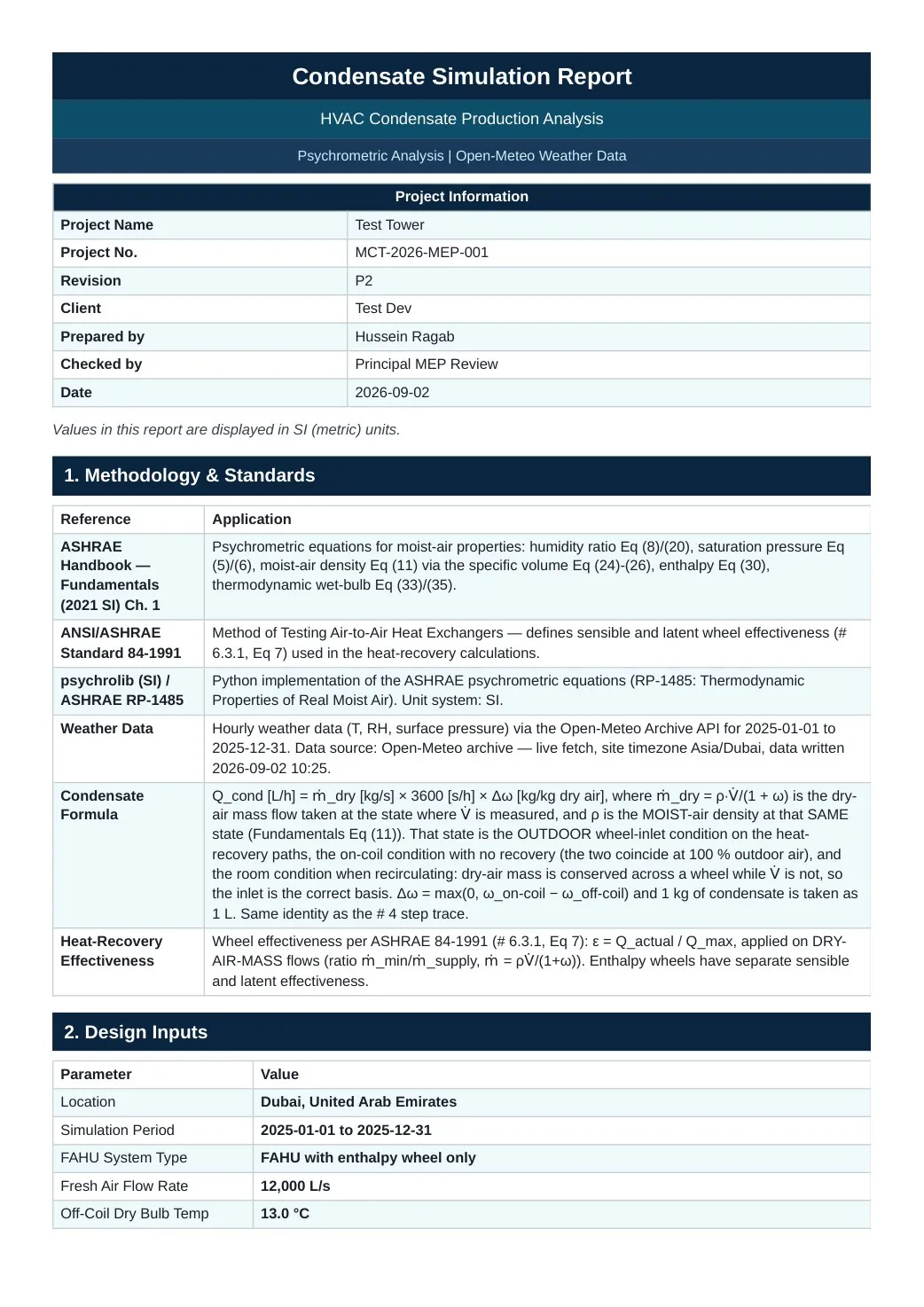
Condensate simulation report
DOCX · Condensate Calculator · Marina Commercial Tower
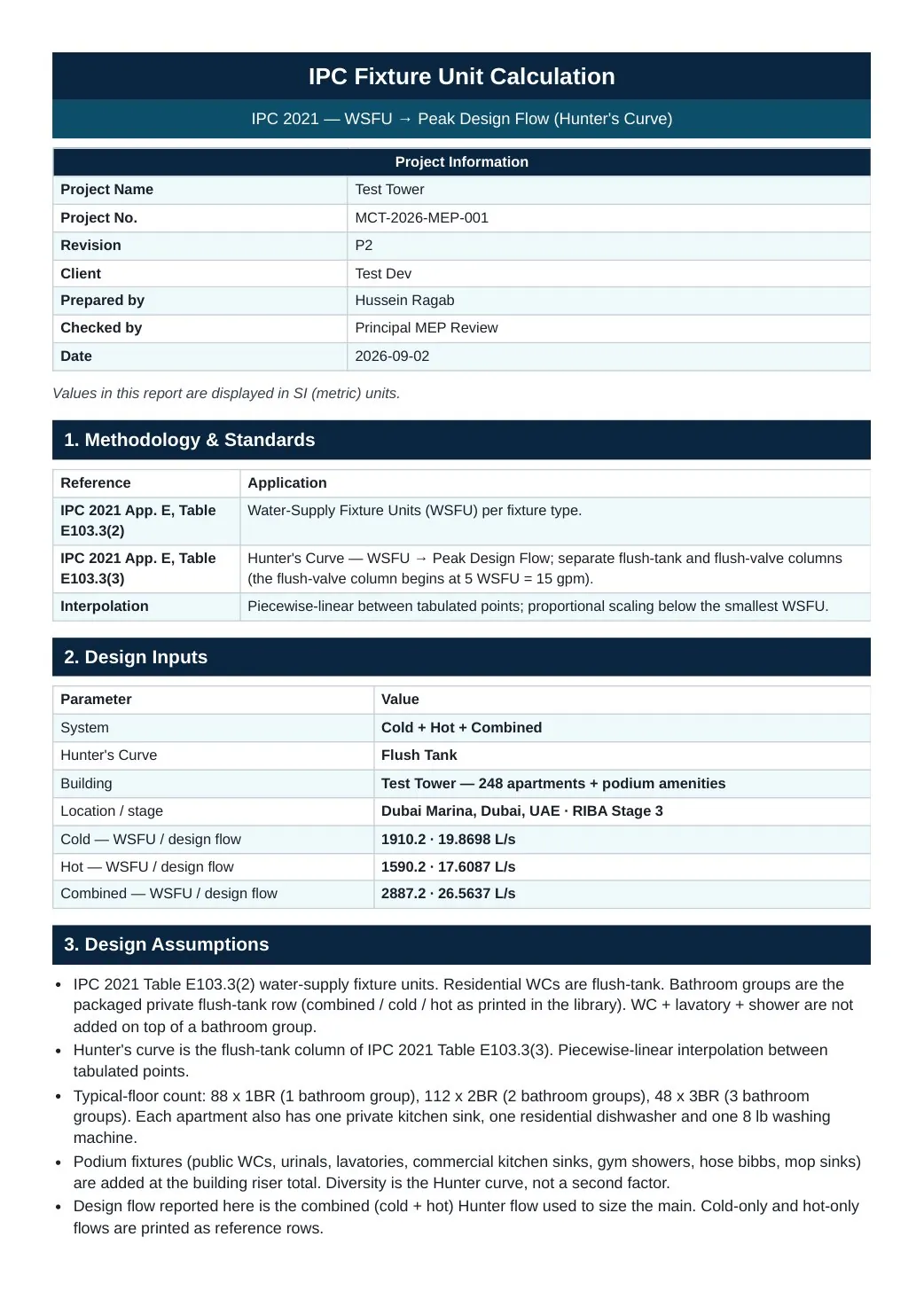
IPC fixture-unit demand
DOCX · XLSX · Water Supply · Marina Commercial Tower
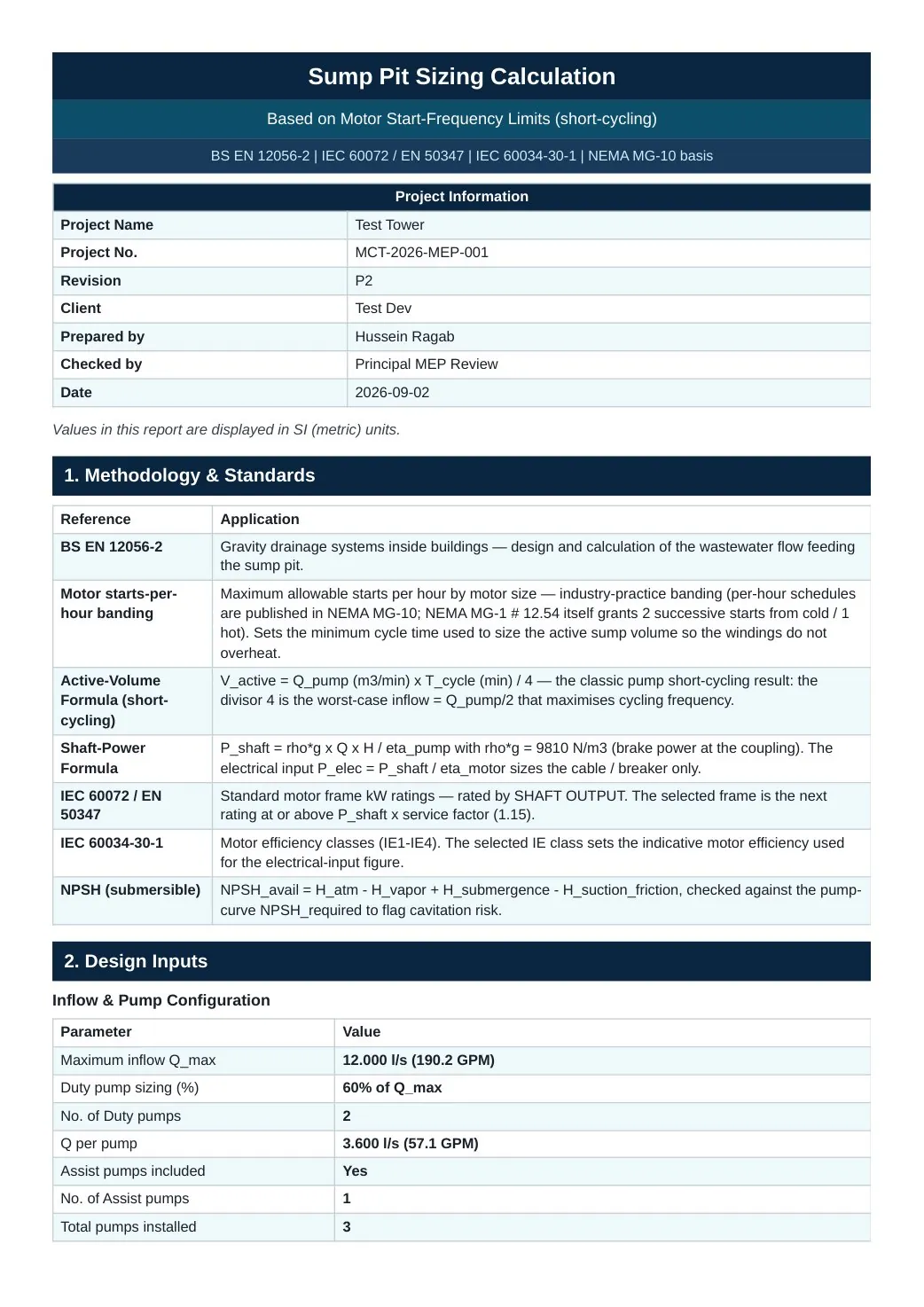
Sump pit sizing
DOCX · XLSX · Drainage · Marina Commercial Tower
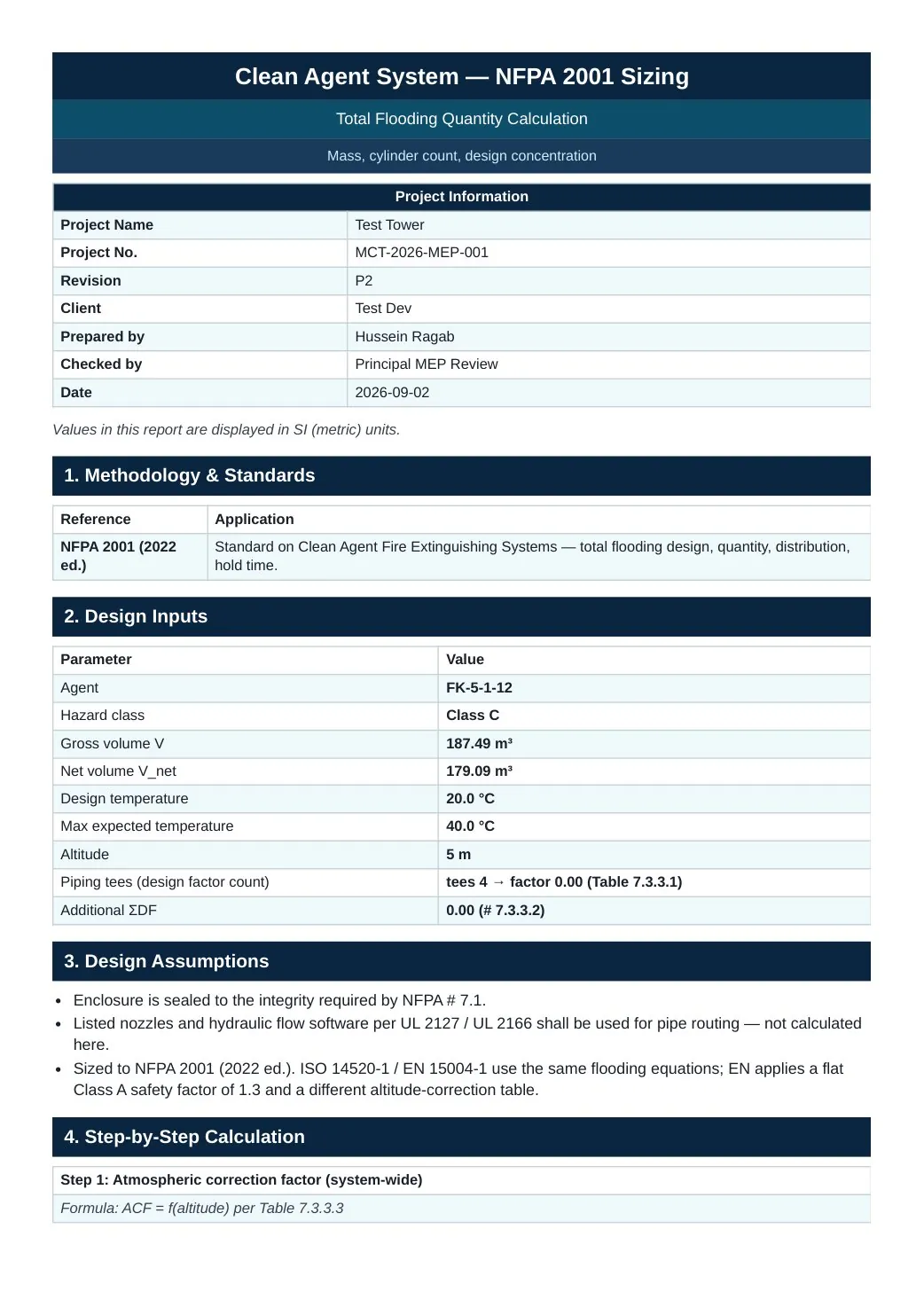
Clean agent NFPA 2001 sizing
DOCX · XLSX · Clean Agent · Marina Commercial Tower
Same project, every engine: HVAC, plumbing, fire and life safety, and electrical.
The flagship · one tool
Three jobs that normally eat a whole day after a cooling-load run, in one application. Not a code-compliance calculator — a productivity tool for HAP users.
Drop a Carrier HAP Systems Design Report (.rtf) and get a formatted Excel workbook. CAV/VAV, terminal units and VRF are auto-detected.
Auto-selects the fewest best-fit FCUs from your own editable machine library and publishes a branded equipment schedule.
Drives a live Carrier HAP 5.2 session by keyboard to bulk-edit air-system properties, then reads the values back to verify every edit landed.
HAP Helper is a module inside HAP Extractor, not a separate application.
Why MEP Automate
01 / SAVE TIME
Enter the design basis and the fixtures once. The tool does the sizing pass you would otherwise rebuild by hand in a workbook for every project.
02 / REPRODUCIBLE RESULTS
Key design outputs cite the applicable standard, edition, and clause. The exported report carries the reference column with it — methodology, standard, edition and clause, next to the number it produced.
Issued Word report — Marina Commercial Tower, MCT-2026-MEP-001. Stairwell pressurization, NFPA 92.
03 / CONSISTENT OUTCOME
Results first, then the input that produced them. One calculation engine instead of a folder of fragile spreadsheets carrying silent edits from project to project.
Tutorials
Each walkthrough runs a real design case end to end, from inputs to the exported report. Illustrated help ships inside every tool today.
Extract a Carrier HAP report, auto-select the fewest best-fit FCUs from your own library, and bulk-edit a live HAP project — one application.
Full walkthrough
Every MEP Automate tool in one window: open, find and get the tools, always on the current version.
Full walkthrough
Four NFPA 92 tools: stair and lift pressurization, atrium smoke control, corridor extract.
Full walkthrough
Who builds it
Chartered mechanical engineer · Dubai
Fourteen years of building-services consulting across the UAE — HVAC, chilled water, smoke management, plumbing, and fire protection. Chartered Engineer (UK Engineering Council), MCIBSE, ASHRAE Certified HVAC Designer. I write the calculators I was tired of rebuilding in Excel, and I use them on live authority submissions including DM, DCD, DEWA, and the Dubai Building Code.
Mission
Turn the calculations MEP engineers repeat on every project into software that is fast, traceable, and issue-ready.
Vision
Every MEP submission defensible to a clause, not to a spreadsheet.
When you write to support, I answer — typically within two business days. Not a bot, not a queue.
Pricing
Monthly
$39founding seats
$15/ month
At checkout, Paddle lists the $39 price before tax (UAE: $37.14 + 5% VAT) and the founding discount as a code. The discount takes $24 off each of your first 3 payments, so each comes to $15.
Annual
$420founding seats
$350/ year
Limited founding seats. No trial: $350 charged at checkout. List price $420/year.
Before you buy: download the installer and open any one tool. Right after checkout you'll enter the Machine code shown in its licence window, so have it ready.
Download for WindowsOne person, up to 2 PCs · licence locked to your Machine codes · cancel anytime · prices in USD; tax included or added depending on your country
Checkout is handled by Paddle.com as Merchant of Record. After payment you download your licence file straight away.
Founding offer — limited seats, until 31 December 2026
Offices and teams — multi-seat licensing
Includes online training sessions for your engineers on how to use the tools.
FAQ
Yes. List price is $39/month or $420/year. Founding seats are limited and close on 31 December 2026, or sooner once they are taken. They get $15/month for the first 3 months, then $39/month — or $350/year, kept while you stay subscribed. The monthly plan starts with a 7-day free trial. Prices are in US dollars; depending on your country, sales tax or VAT is either included in the price or added at checkout, and the checkout shows the exact amount before you pay.
Yes: MEP Automate runs on Windows 10/11 (64-bit desktop installers). No macOS or web version.
Yes. Every calculation runs on your PC. The tools need an internet connection the first time they start, and then at least once every 14 days (or after 200 starts without one) to check the date and your licence. In between, they work fully offline.
Direct email support from the engineer who builds the tools: setup, calculation questions, standards queries and bug reports. Replies from the engineer, not a bot — typically within two business days.
Yes. Cancel whenever you like; access continues to the end of the paid period. No lock-in — your saved session files stay on your machine.
Yes: every update, standards-edition tracking, and every new tool joins your subscription at no extra cost.
Reopen any project months later exactly as it was — the same inputs, the same design basis, the same output, ready to re-issue or defend. Project name, reference, client and revision are carried onto every printed page.
The installer is code-signed by the publisher, Hussein Ragab. Because the certificate is new, Microsoft SmartScreen may still show a notice until the download builds reputation. The notice names the verified publisher and is not a malware detection. On managed office PCs, ask IT to review and allow the download rather than working around policy.
First download the Windows 10/11 installer from this site, install at least one tool and open it: its licence window shows your Machine code. Then start the 7-day free trial (or subscribe annually) from the pricing section. Right after checkout you enter that Machine code and download your licence file straight away. Offices and teams: use the contact form for multi-seat licensing.
Founding seats
Windows 10/11 wrapper. Pick the tools you need. Nothing charged during the 7-day trial.